- Tel: +1-866-777-0060
- Request For Information

MS-721 Training | Microsoft Teams Voice Certification
Microsoft Teams Voice Training - Master Microsoft Teams Phone, Direct Routing & MS-721 Certification
Microsoft Teams Voice Training - Hands-on Microsoft Teams Phone, Direct Routing, Cisco CUBE, AudioCodes SBC, Operator Connect & Teams Rooms Training.
Prepare for MS-721 while learning real Microsoft Teams Phone deployment skills,
including Direct Routing, Cisco CUBE, AudioCodes SBC, Operator Connect,
Auto Attendants, Call Queues, and enterprise voice troubleshooting.
5-Day Live Instructor-Led Online Training
- Prepare for MS-721 Certification
- 60+ Hands-On Microsoft Teams Voice Labs
- Cisco CUBE & AudioCodes SBC Integration for Direct Routing
- Free Course Retake for 2 Years
- 5 Years Access to 11+ Bonus Training Programs
- Monthly payment plans & corporate invoicing available
⭐⭐⭐⭐⭐ Rated 4.9/5 by 98+ Students on Trustpilot
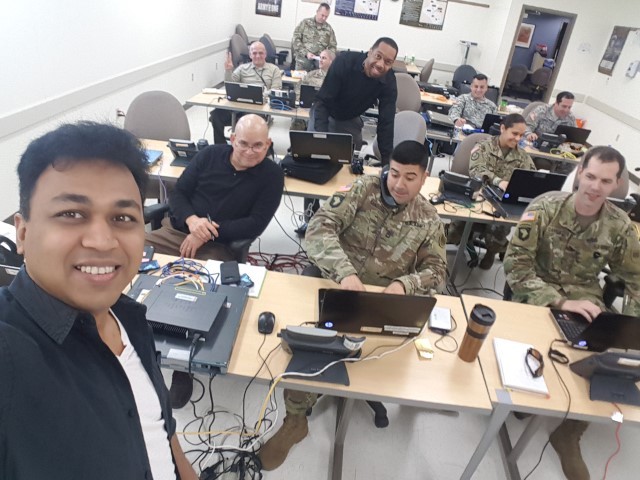
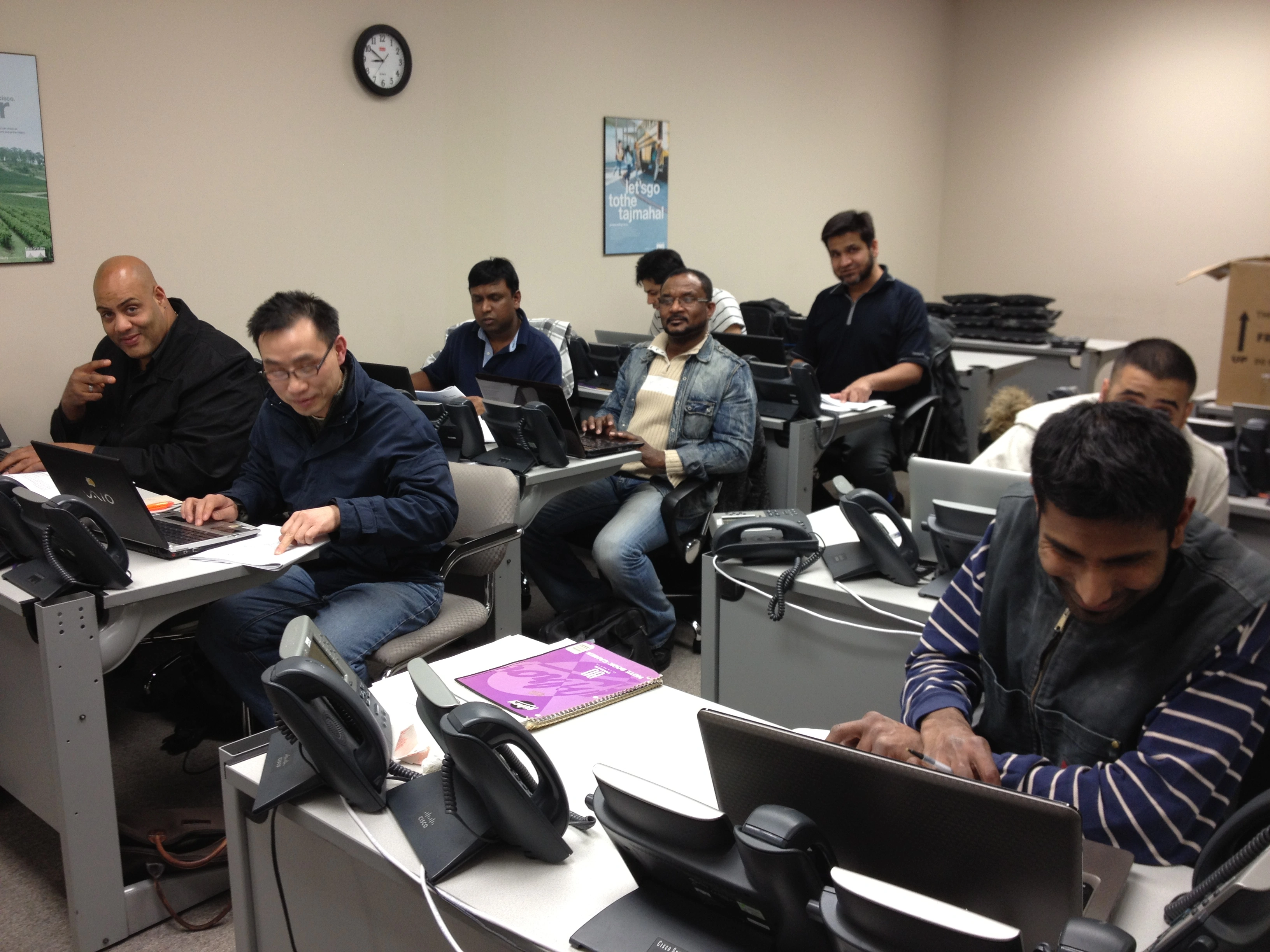
Real Instructor-Led Enterprise Voice Training Labs

Upcoming Live Instructor-Led Classes
| Course | Course Date | Location | Individual Price | Register |
|---|---|---|---|---|
| Microsoft Teams Voice Training | 09-13-2027 9:30 am | Online (Live) – Eastern Standard Timezone GMT -5 | $3,495.00 | |
| Microsoft Teams Voice Training | 10-11-2027 9:30 am | Online (Live) – Eastern Standard Timezone GMT -5 | $3,495.00 | |
| Microsoft Teams Voice Training | 11-08-2027 9:30 am | Online (Live) – Eastern Standard Timezone GMT -5 | $3,495.00 | |
| Microsoft Teams Voice Training | 12-13-2027 9:30 am | Online (Live) – Eastern Standard Timezone GMT -5 | $3,495.00 |

Microsoft Teams Voice Training Course Overview
Course Overview
Microsoft Teams Voice Training Enterprise Voice Deployment from Start to Finish
Learn how to deploy Microsoft Teams Phone using real-world enterprise scenarios.
- Microsoft Teams Phone
- Direct Routing
- Cisco CUBE
- AudioCodes SBC
- Operator Connect
- Teams Rooms
- Auto Attendants
- Call Queues
- Call Quality Dashboard
- PowerShell Administration
This instructor-led course prepares engineers for the MS-721 certification while building practical enterprise voice deployment skills.
Course Fee $3,495 USD
Why VoiceBootcamp Is Different
Most MS-721 providers focus on exam topics. VoiceBootcamp connects Microsoft Teams Voice Certification preparation with practical enterprise deployment skills employers actually need.
Real Enterprise Deployment Training
Work through practical deployment scenarios used by enterprise voice teams, not just exam theory.
- Direct Routing planning
- Voice migration decisions
- Hybrid voice environments
Multi-Vendor Voice Expertise
Gain exposure to the voice technologies employers use across Microsoft, Cisco and contact center ecosystems.
- Cisco CUBE
- AudioCodes SBC
- SIP trunking & PSTN integration
5 Years of Bonus Training ($1,899 Value)
Enrollment includes long-term access to additional training so you keep learning beyond the MS 721 Course.
- UCaaS & CCaaS technologies
- Cloud voice solutions
- Multi-cloud voice integration
Real Voice Engineers as Trainers
Learn from instructors with real-world experience across Teams Voice, Cisco Collaboration, Webex and contact center platforms.
- Production voice experience
- SBC troubleshooting workflows
- Enterprise architecture insight
Free 2-Year Course Retake
Refresh your knowledge or repeat the live class when you need additional support.
- Retake any live online session
- Review updated exam lab blueprints
- Reinforce Direct Routing and SBC topics
Career Growth Beyond MS-721
Build skills for UCaaS, CCaaS, CPaaS, and AI contact center platforms while preparing for Microsoft Teams Voice Certification.
- Voice architecture skills
- Contact center awareness
- Employer-ready technical outcomes
Enroll Today and Get 5 Years Access to 15+ Self Study Kits.
Your MS-721 Course enrollment includes free 5-year access to a bonus training library valued at $1,899, helping you grow beyond Microsoft Teams Voice into collaboration, cloud voice, and contact center technologies.
Cisco Collaboration TrainingWebex Calling TrainingWebex Contact Center TrainingGenesys Cloud CX TrainingAmazon Connect TrainingMicrosoft Teams Voice TrainingContact Center ArchitectureUCaaS TechnologiesCCaaS TechnologiesSBC TechnologiesCloud Voice SolutionsMulti-Cloud Voice Integration
Prepare for MS-721 Certification with Real-World Voice Skills
Certification Preparation
This MS 721 Course keeps certification outcomes in focus while helping engineers understand how Teams Phone works in production environments.
- Exam-aligned MS-721 topics
- Teams Phone planning and deployment
- Direct Routing configuration
- Operator Connect concepts
- Voice user management
- Call queues and auto attendants
- Teams devices and meeting rooms
- Monitoring and troubleshooting Teams communications
Enterprise Voice Outcomes
DesignTeams Phone & enterprise voice architecture
DeployDirect Routing, Operator Connect & PSTN integration
ManageVoice users, policies, call queues & devices
TroubleshootSIP, SBC and Teams communications issues
Build the Skills to Design & Manage Enterprise Voice Infrastructure
Career-Focused Instructor-Led Training
This training is built to help voice and UC professionals move from certification knowledge to job-ready enterprise voice outcomes.
- Design Microsoft Teams Voice architecture with confidence
- Understand Direct Routing, Operator Connect and PSTN choices
- Build troubleshooting confidence for SBC and SIP issues
- Translate MS-721 topics into real deployment decisions
- Prepare for stronger enterprise, UCaaS and contact center roles
MS-721 Training Course Outline
Review the core modules covered in this Microsoft Teams Voice Training program. Request the full curriculum and schedule for the latest class details.
- Teams Phone and calling fundamentals
- Meetings, calling and collaboration scenarios
- How MS-721 objectives map to real voice projects
Lab 1 – Create A Trial Account.
Lab 2 – Determine network requirements using the Teams Network Planner.
Lab 3 - Install the Teams Network Assessment Tool
Lab 4 - Validate local site internet breakout.
Lab 5 - Managing bandwidth by configuring media bit rate (MBR)
Lab 6 - Define emergency calling addresses.
Lab 7 - Configure emergency calling policies.
Lab 8 - Configure network locations for dynamic emergency calling.
Lab 10 - Allow end users to configure their emergency address.
Lab 11 - Buy and assign a Teams Phone license.
Lab 12 - Acquire phone numbers from Microsoft.
Lab 13 - Create Microsoft port request for user and service numbers (Just explore do not submit)
Lab 14 - Creating a manual port request (Just explore do not submit)
Lab 15 - Manage the usage of a phone number (just explore do not apply)
Lab 16 - Configure Operator Connect and Teams Phone Mobile.
Lab 17 - Manage Operator Connect and Teams Phone Mobile phone numbers.
Lab 18 - Install Microsoft Teams PowerShell Module.
Lab 19 - Get-CsOnlineUser.
Lab 20 - Create and manage dial plans.
Lab 21 - Configure calling policies.
Lab 22 - Configure calling policies using PowerShell
Lab 23 - Configure Call park policies.
Lab 24 - Configure caller ID policies.
Lab 25 - Configure inbound call blocking.
Lab 26 - Assign a policy package to one user.
Lab 27 - Creating a Custom Policy in Microsoft Teams.
Lab 28 - Group Policy Assignment.
Lab 29 - Policy Packages.
Lab 30 - Assign calling policies and dial plans to a user.
Lab 31 - Configure and deploy Teams Phone with Direct Routing.
Lab 32 - Implement SIP trunking with Direct Routing.
Lab 33 - Enable users for Direct Routing.
Lab 34 - Create a new usage – Partition and Calling Search Space.
Lab 35 - Voice Routing with PSTN usage.
Lab 36 - Create voice routes using PowerShell
Lab 37 - Create a Custom Emergency Voice Routing Policy.
Lab 38 - Extend Teams Direct Routing infrastructure using PowerShell
Lab 39 - Configure a usage & Create multiple voice routes.
Lab 40 - Create a Voice Routing Policy
Lab 41 - Deploy and maintain a survivable branch appliance.
Lab 42 - Translate Phone Numbers - Add Plus +1 to any 10-digit number.
Lab 43 - Translate Phone Numbers - Strip Plus 1 from 11-digit number.
Lab 44 - Translate Phone Numbers - Translation Rule to Convert 4 digit to E.164.
Lab 45 - Translate Phone Numbers – Convert 4 Digit Extension to 10 Digit Number.
Lab 46 – Translate Phone Numbers – Convert E.164 number to 4-digit extension.
Lab 47 – Apply Translation Rule To SBC For Direct Routing.
Lab 48 – Order Service Number for Auto Attendant and Queue.
Lab 49 - Create Resource accounts & associate Number.
Lab 50 – Create Sales Call Queue for Agent using Round Robin Algorithm.
Lab 51 – Create Support Call Queue for Agent using Attendant Routing.
Lab 52 – Create a Billin IVR as Voice App Auto Attendant.
Lab 53 – Create Auto Attendant IVR for Company.
Lab 54 - Configure Meeting settings in the Teams admin center.
Lab 55 - Create and manage meeting policies.
Lab 56 - Configure dedicated conference bridge numbers.
Lab 57 - Create and manage meeting templates and template policies.
Lab 58 - Create and manage meetings customization policies.
Lab 59 - Create and manage events policies.
Lab 60 – Project - Create and assign Teams policies to meet business requirements in Microsoft Teams
Lab 61 - Creating a Co-Pilot Agent for Microsoft Team
Flexible Payment Options
Training should be easy to approve and easy to start. Ask about flexible payment plans, corporate invoicing, vendor setup and group enrollment options.
Flexible Payment Plans
Ask about available installment and payment-plan options for individual enrollment.
Corporate Invoicing & Vendor Setup
Support procurement needs with corporate invoicing, vendor setup and approval-friendly documentation.
Corporate Training Options
Enable teams with instructor-led training options designed for enterprise voice readiness.
Group Discounts
Ask about group rates for teams enrolling multiple engineers together.
Trusted Training for Enterprise Voice Teams
1K+
Engineers
trained
20+
Years training experience
Enterprise
And government teams
Hands-On
Collaboration & contact center labs
Request MS-721 Course Information
Our training advisors are here to help you choose the right schedule, payment plan, and learning path for your career goals. Fill out the form and we will reach out within 24 hours.


Why Contact Us
- Get upcoming class schedule & available dates
- Ask about group / corporate pricing options
- Discuss flexible payment plans & corporate invoicing
- Understand exactly what’s included in your enrollment
Ready to Master Microsoft Teams Voice and Prepare for MS-721?
Request course information today and a VoiceBootcamp training advisor will share schedule, pricing, syllabus and enrollment options for your MS-721 training path.